Your Mac has enough apps.
A native macOS command center with on-device AI, window management, clipboard intelligence, and dictation. Free forever. Pro is $29.99 once, for two Macs.
A native macOS command center with on-device AI, window management, clipboard intelligence, and dictation. Free forever. Pro is $29.99 once, for two Macs.
Flow turns your voice into text directly inside the app you're already using.
Run intelligence locally or connect the providers you already use. Vehla sits above the model layer so the workflow stays the same.
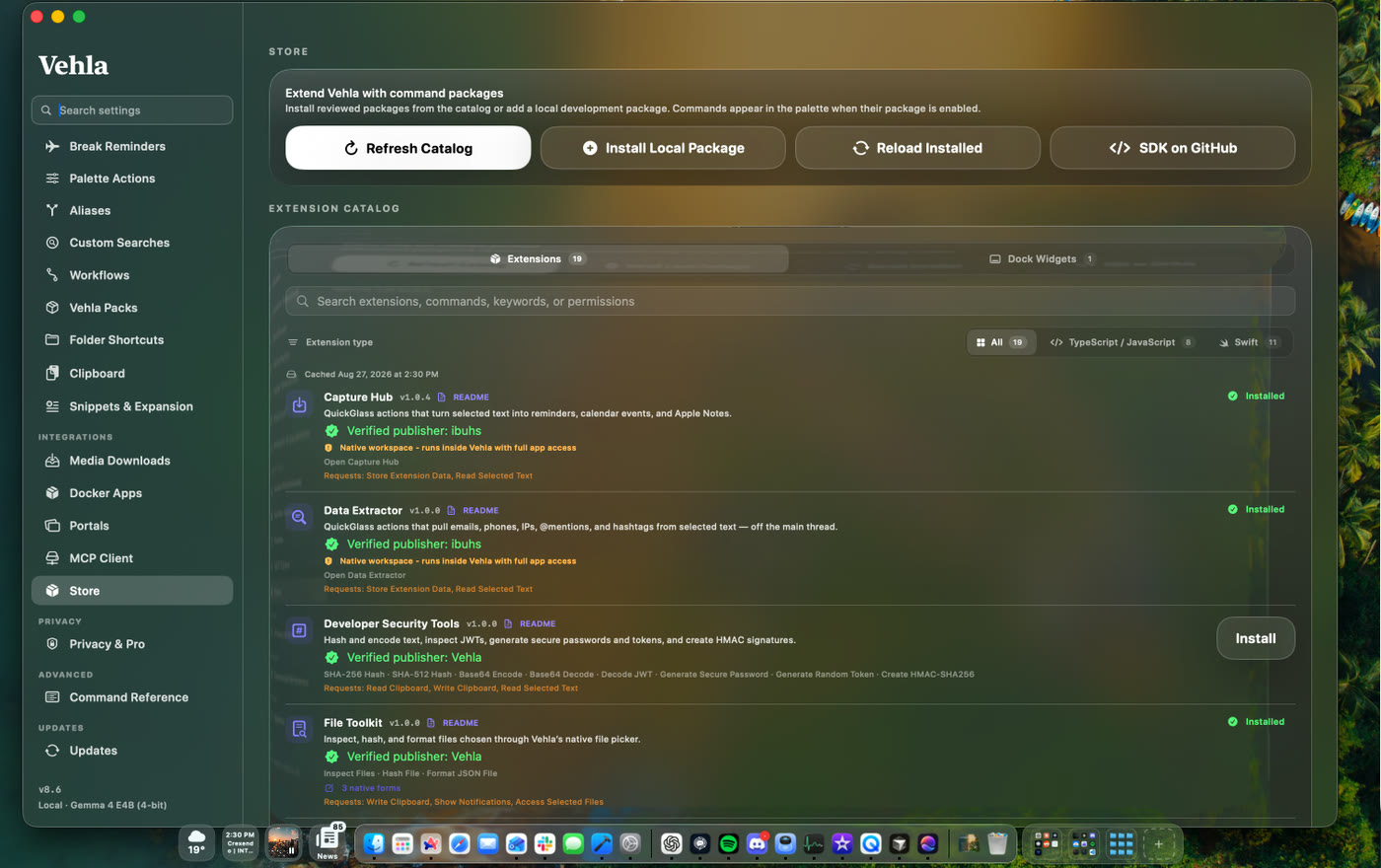
Build new actions into the same interface instead of installing another disconnected utility.
Vehla is local-first. Local models run on your Mac. When you choose a cloud provider, your Mac talks directly to that provider using your own API key. Vehla is designed around keeping the operating-system layer under your control.
Vehla overlaps with launchers, window managers, notch tools, shelves, clipboard apps, selection tools, dictation apps, text expanders, uninstallers, OCR tools, media downloaders, Homebrew GUIs, notes apps, and menu-bar cleaners. This matrix shows where each product is broad, focused, or extensible.
| PRODUCT | PALETTE | AI | CLIPBOARD | WINDOWS | NOTCH / SHELF | MENU BAR | NOTES / CANVAS | PRICE |
|---|---|---|---|---|---|---|---|---|
|
Vehla
NATIVE COMMAND CENTER
|
✓ | ✓ MLX · BYOK · OLLAMA · LEKH |
✓ | ✓ SNAP WHEEL |
✓ ISLAND + SHELF |
✓ BARKEEP |
✓ NOTES · CANVAS · KANBAN |
Free forever
PRO $29.99 ONCE · 2 MACS
|
|
Raycast
LAUNCHER PLATFORM
|
✓ | ✓ HOSTED · BYOK · OLLAMA |
✓ | ✓ | - | - | ◐ NOTES |
Free core
PRO $10/MO · $8/MO ANNUAL
|
|
Alfred
LAUNCHER + WORKFLOWS
|
✓ | ◐ WORKFLOWS |
✓ POWERPACK |
◐ WORKFLOWS |
- | - | - |
Free core
POWERPACK £34 ONCE
|
|
SuperCmd
OPEN-SOURCE LAUNCHER
|
✓ | ✓ BYOK + OLLAMA |
✓ | ✓ | - | - | ✓ NOTES + CANVAS |
Free
MIT OPEN SOURCE
|
How to read this: fewer checks do not mean a worse app. Magnet, Dropover, Maccy, Hidden Bar, and Amphetamine are intentionally focused. Partial marks indicate an extension, workflow, add-on, or narrower implementation.
Comparisons, setup guides, and honest notes from building Vehla. We publish what we checked, when we checked it, and where another tool may be the better choice.
Three launchers, three business models, and three different answers to the AI question. The full feature matrix, three-year cost, and cases where we would not choose Vehla.
“I absolutely love this app; it is so incredibly useful! This is one of those must have apps that everyone should download. I use it every single day for browsing the web, drafting emails and managing my schedule. I have plenty of favorite features like Snipe Text, dropping files/folders into the Shelf, Flow Dictation, QuickGlass, and SnapWheel. I like to use SnapWheel with Ask AI, to summarize webpages quickly, and the Smart Reply feature. I don't have a huge workflow like others but, for my use case, it most certainly makes my life easier. I HIGHLY recommend this app to anyone looking to streamline their daily tasks and productivity workflow. Thank you so much, Shubi, for spending so much time and hard work on making this amazing application.”
“This is a great launcher replacement and adds so much more. I've been using it for a couple weeks now and I really like it. Plus the developer has added a bunch of features that I've requested and been open to my feedback and suggestions! That's been great!”
“I'm all like - I need a safe app, I need a secure environment, smooth app and Vehla delivers exactly that.
I noticed Raycast on day one when I got my Mac. But what pushed me away was exactly that - security. When I saw it wasn't fully local, and that they had previously suffered a breach with data leaked, I said no.
Then, a few months later, I randomly came across Vehla on Reddit. The description instantly sold me. Everything I prefer. I'll admit - in the beginning I struggled a bit with how to use the app, and I'm still figuring out plenty of things, so I wouldn't call myself fluent with it yet. But the sheer number of options it packs in is impressive.
My favorite features are Quick Glass (Magic Rewrite, Translate), Dock Widgets, Glide, and Portals. The local AI is often genuinely useful when I need a quick translation, to check a business email, and things like that. It's a small app, but it does a lot. It genuinely helps with my everyday workflow, both private and professional.
My honest recommendation to everyone: if you want a powerful app that does everything Raycast does, but with security as the top priority - plus a very fair price and a developer who is friendly and always ready to help - you've come to the right place.”
Vehla Free stays free forever. When you want every workspace, surface, automation, integration, and larger model, unlock Pro with one lifetime purchase.
A useful Mac command center without starting a trial or entering a card.
Everything in Free, plus every advanced Vehla feature. Try Premium for 7 days with no card.
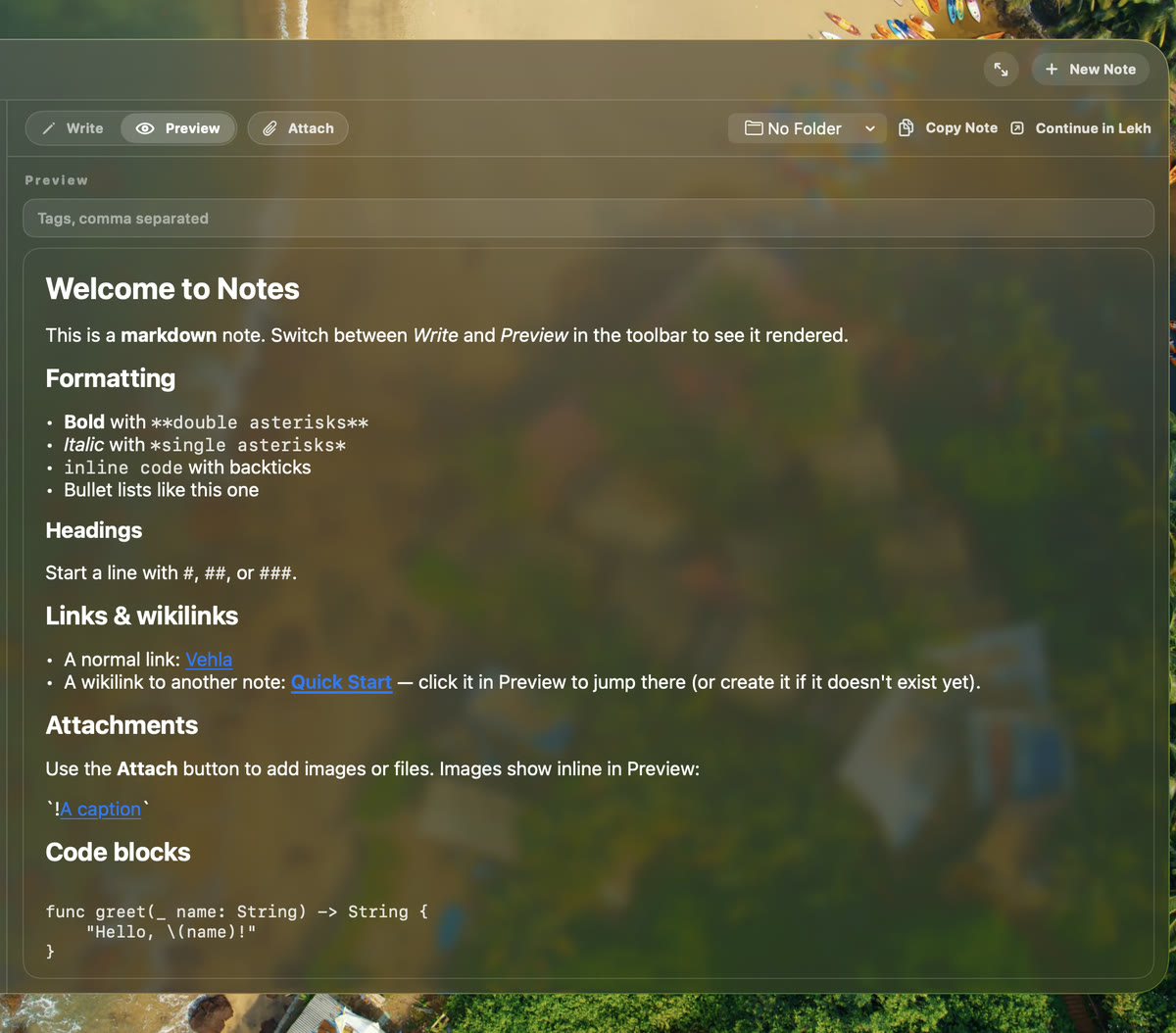
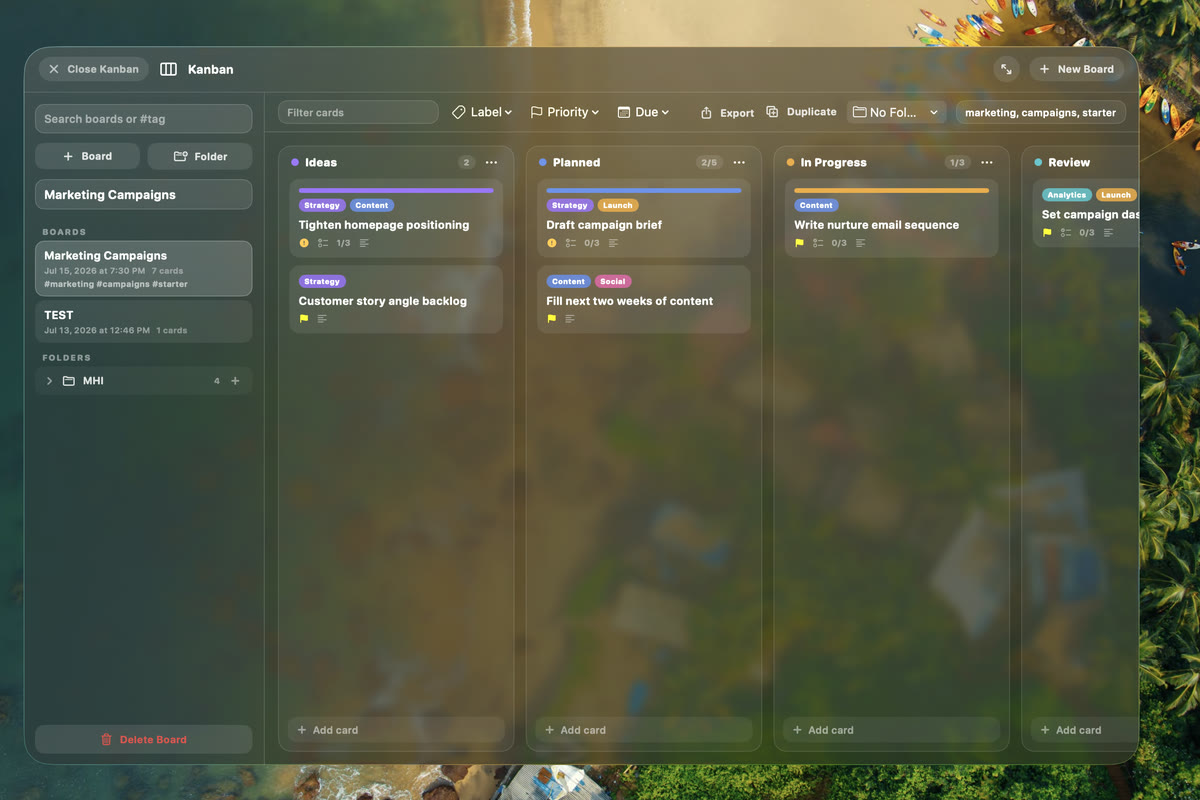
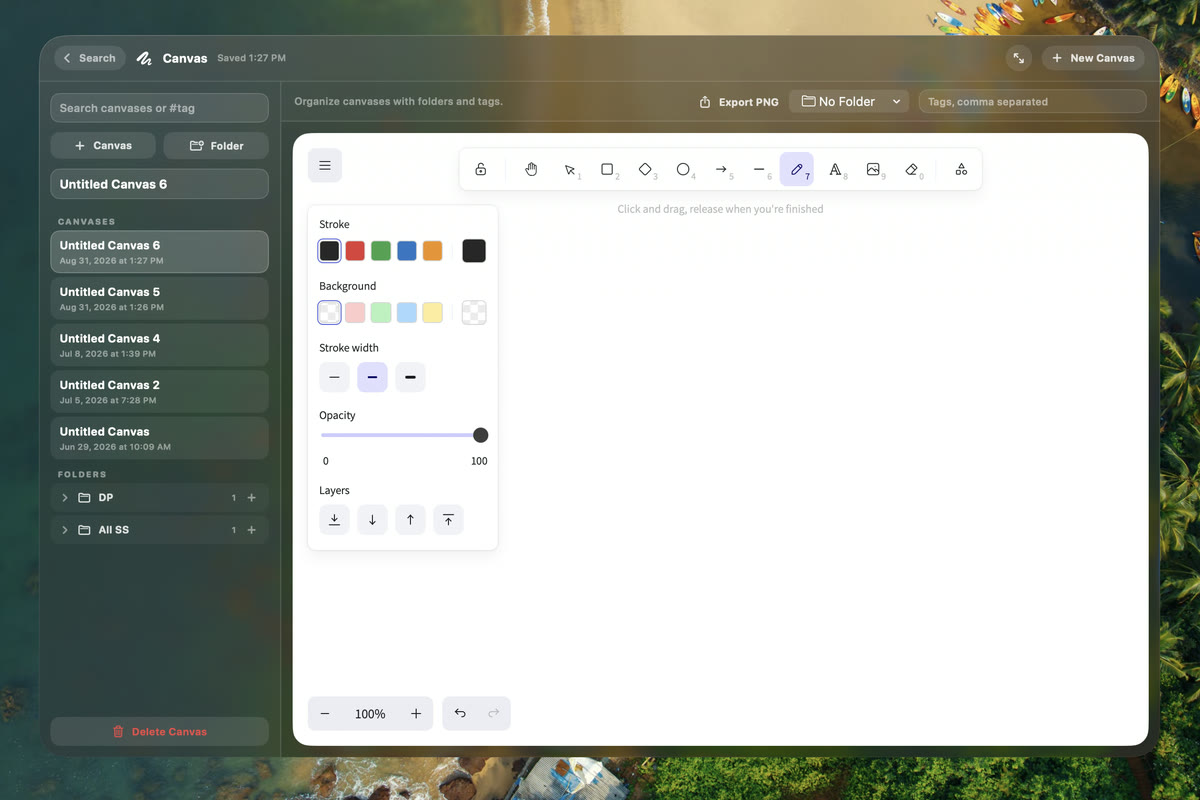
A native macOS command center that replaces a stack of single-purpose utilities: command palette, on-device AI actions, window management, clipboard intelligence, dictation, file shelf, menu-bar cleanup, and notes, canvas and Kanban workspaces - all behind one hotkey.
Vehla Free is free forever with no card. Vehla Pro is a one-time $29.99 for two Macs, with free updates for life. There is no subscription and no renewal, and a 7-day Premium trial that also does not ask for a card.
macOS 15.0 or later on Apple Silicon. Vehla does not run on Intel Macs or earlier macOS versions.
Not for the core of it. With a catalog model downloaded and Local AI selected, text AI actions, dictation, clipboard OCR, Recall retrieval and every native command run on-device. Cloud providers, web search, vision actions, licensing and updates need a connection.
Only if you want cloud models. Vehla ships an on-device MLX runtime, so you can run text actions with no key at all. For cloud, bring a key for OpenAI, Anthropic, Google, DeepSeek or OpenRouter - it is stored in macOS Keychain and requests go straight from your Mac to the provider.
Raycast has the largest extension catalog and hosted AI on a subscription; Alfred has the deepest workflow automation. Vehla's differences are the on-device model, the surfaces beyond the palette, and a one-time price. We wrote both comparisons in full, including where the others win.