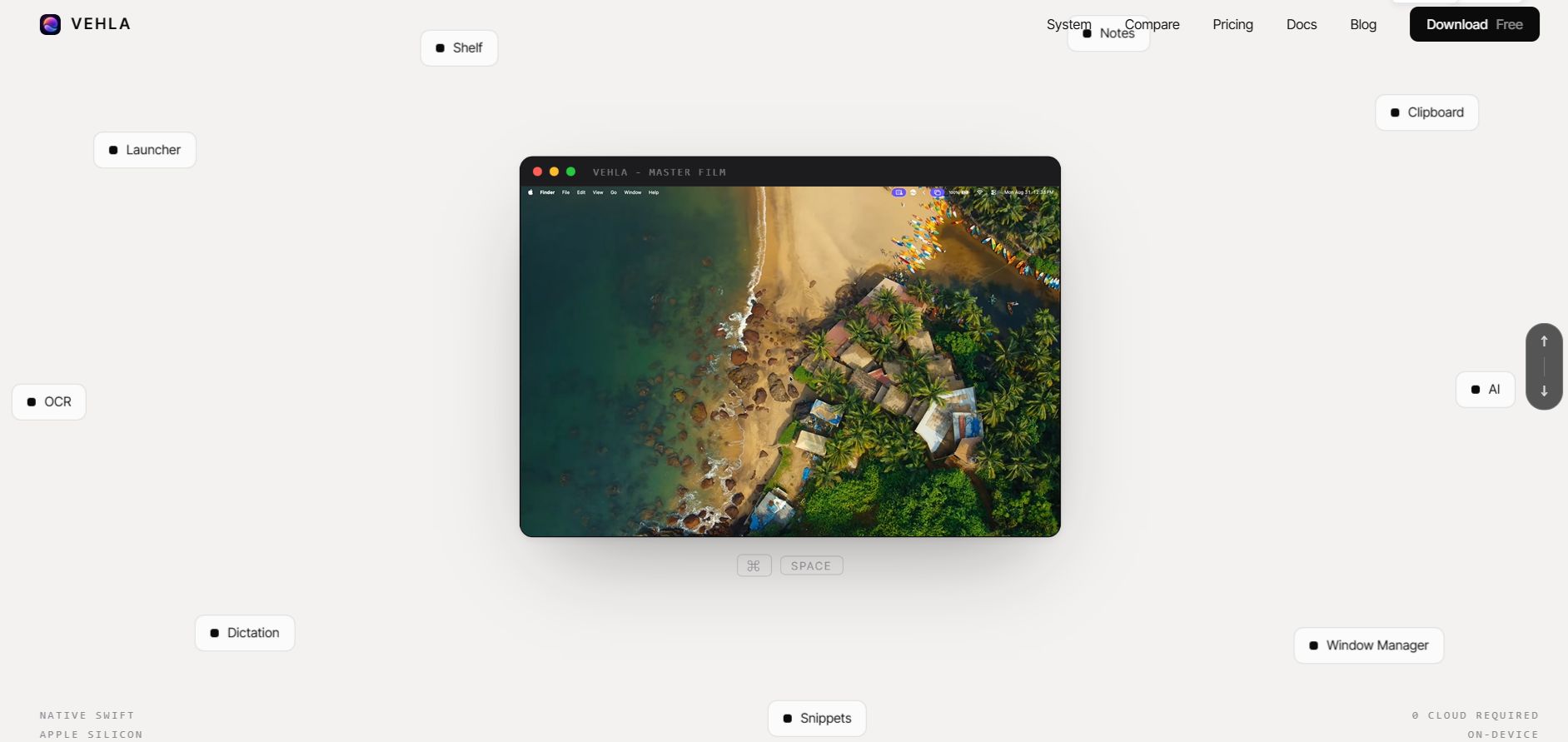
The best Raycast alternative for Mac depends on how you use Raycast, but for most people who want to stop paying monthly, Vehla is the closest all-in-one match. Vehla is a native macOS command center that combines a launcher, clipboard manager, window manager, and on-device AI. Vehla Free costs nothing and needs no card, while Vehla Pro is a one-time $29.99 for two Macs, compared with $96 a year for Raycast Pro. It runs on macOS 15 or later on Apple Silicon.
Raycast is still an excellent launcher, so this guide also says plainly when to keep it. It compares Vehla, Raycast, Alfred, SuperCmd, and Spotlight on price, AI, clipboard history, and window management, with prices checked on October 7, 2026.
Why are Mac users looking for a Raycast alternative?
Mac users look for a Raycast alternative mostly because of price and AI. Raycast Pro costs $10 a month or $96 a year, according to Raycast's pricing page, and every paid plan includes AI, so there is no cheaper plan without it. Since September 2026, AI is metered in monthly credits: 500 on Pro, 3,000 on Pro+, and 7,500 on Max.
Raycast Free has no AI and no bring-your-own-key. It keeps three months of clipboard history and five notes, has no cloud sync, and reserves custom window management commands for Pro.
The paid plans do include hosted frontier models, so the money buys something real. But if you mainly use a launcher, clipboard history, and window snapping, $96 a year is hard to justify, and that is the gap a free Raycast alternative fills.
What should you look for in a Raycast alternative?
Five things decide whether a Mac launcher fits you:
-
Price model: free, one-time, or subscription, and what the free tier actually includes.
-
Where AI runs: on your Mac, with your own API key, or on the vendor's servers.
-
Scope: launcher only, or clipboard, snippets, windows, and notes too.
-
Extension depth: whether the integrations you rely on exist.
-
Compatibility: macOS version and Intel or Apple Silicon support.
Vehla is strongest on the first three and weakest on the last two, and this guide says so where it matters.
What are the best Raycast alternatives for Mac in 2026?
Four options cover most needs: Vehla, Alfred, SuperCmd, and Spotlight. They are ranked for someone who wants a free or one-time-price Mac launcher with AI.
1. Vehla: the free, local, one-time-price Raycast alternative for Mac
Vehla is a native Mac command center built around one hotkey (⌥Space by default). Beyond launching apps and files, it includes a clipboard manager, window management, 70+ built-in AI actions, on-device dictation, notes, and a notch-style Island and file Shelf. AI runs locally through a bundled MLX runtime or through your own API key, so there is no hosted-AI subscription. Vehla Free is free forever, and Vehla Pro is a one-time $29.99 for two Macs. It is Mac-only, needs macOS 15 or later on Apple Silicon, and has a younger extension store than Raycast. Choose Vehla if you want one app instead of a launcher plus separate clipboard, window, and AI tools. The sections after this list cover what Vehla Free includes, how local AI works, what it costs, and what it can replace.
2. Alfred: best for deep workflow automation
Alfred has the deepest workflow automation on macOS. The core app is free, and the Powerpack unlocks workflows, clipboard history, and snippets for a one-time £34 (single license) or £59 (Mega Supporter, with lifetime upgrades), per Alfred's own store page. AI and window management come through workflows you build or install. Choose Alfred if you want to script your own automations. For the details, see Vehla vs Alfred.
3. SuperCmd: native Swift launcher with Raycast extension support
SuperCmd is a native Swift launcher that can run most Raycast extensions and import Raycast backups. Its v2 is now sold as a one-time lifetime license, listed at $39.99 with a $19.99 early-bird price, and requires macOS 26, according to SuperCmd's site. Choose it if extension compatibility matters more than a broader app. A Vehla vs Raycast vs SuperCmd comparison covers the three-year cost and feature matrix.
4. Spotlight: the free built-in option
If you are wondering whether you need a Spotlight alternative at all, macOS 26 Tahoe closed some of the gap. Spotlight now has clipboard history (kept for eight hours by default), Actions with Quick Keys, and Shortcuts support. Spotlight doesn't manage windows, and those features require macOS 26. Choose Spotlight if you only launch apps and find files.
What does Vehla Free include?
Vehla Free includes the command palette with app and file search, native utilities, basic window management, a rolling 50-item clipboard history, 5 notes, 3 snippets, 50 successful AI actions a month, local models up to 2B parameters, and bring-your-own cloud keys. There is no card and no trial clock.
Here is how that compares with Raycast Free:
|
Limit |
Raycast Free |
Vehla Free |
|
AI |
Not included |
50 actions a month, local models up to 2B |
|
Bring your own API key |
Not included |
Included |
|
Clipboard history |
3 months |
Rolling 50 items |
|
Notes |
5 |
5 |
|
Snippets |
Included |
3 |
|
Window management |
Included (custom commands are Pro) |
Basic |
Raycast Free keeps a deeper clipboard history. Vehla Free gives you AI and your own API key without paying. The Vehla Pro price and plan limits are listed publicly if you want to see what unlocks later.
How does Vehla run AI locally on a Mac?
Vehla ships an MLX runtime for Apple Silicon, so text actions such as rewrite, summarize, and translate can run with the network off. On macOS 26 or later, you can also choose Apple's on-device model as the local engine.
If you prefer a cloud model, Vehla supports OpenAI, Anthropic, Gemini, DeepSeek, and OpenRouter. Keys are stored in macOS Keychain, and requests go directly from your Mac to the provider. Ollama and LM Studio work too, and you can connect Vehla to Ollama, LM Studio, or your own API key in a few minutes.
Two details matter for privacy. If the local model is unavailable, Vehla shows an error instead of quietly switching to the cloud. And Vehla documents precisely which AI actions never touch a network and which, such as vision on a cloud model, always do.
The honest limit: a 2B to 4B on-device model is good for rewriting, summarizing, translating, and extracting to-dos. It is not a frontier model, so hard reasoning and long code belong with a cloud provider you choose.
How much does Vehla cost compared with Raycast?
Vehla Pro is $29.99 once for two Macs, with free updates for life, a 7-day trial with no card, and a refund within 7 days of purchase. Raycast Pro is $96 a year.
|
Plan |
Year 1 |
3 years |
|
Vehla Pro |
$29.99 |
$29.99 |
|
Raycast Pro |
$96 |
$288 |
|
Raycast Pro+ |
$192 |
$576 |
This is not a like-for-like saving, because Raycast's price includes hosted models and a much larger extension store. What a one-time license removes is the renewal decision.
What can Vehla replace in a daily Raycast workflow?
Vehla replaces the parts most people use every day, plus several that usually need separate apps:
|
What you use Raycast for |
Vehla equivalent |
Plan |
|
App and file launcher |
Command palette |
Free |
|
Clipboard history |
Smart Clipboard with OCR and stacks |
Free (50 items), Pro (expanded) |
|
Snippets and text expansion |
System-wide snippets |
Free (3), Pro (more) |
|
Window management |
Window snaps, SnapWheel with 15 positions, saved layouts |
Free (basic), Pro |
|
AI on selected text |
QuickGlass, Magic Rewrite, 70+ built-in AI actions |
Free (limited), Pro |
|
Notes |
Markdown notes, canvas and Kanban |
Free (5), Pro |
|
Hide menu bar icons |
BarKeep |
Free |
|
Notch and file shelf |
Island and Shelf |
Pro |
|
Dictation |
Flow, on-device |
Pro |
|
Extensions |
Store with TypeScript and Swift SDKs |
Pro |
A few of these deserve a closer look. If you want to snap windows on a Mac with a radial wheel, shortcuts, or drag-to-edge, Vehla covers all three. QuickGlass, Magic Rewrite and Flow dictation act on text without opening a chat window. Recall searches your notes and clipboard locally, with citations.
The idea behind all of it is one app instead of fourteen: window managers, clipboard apps, shelves, menu bar cleaners and OCR tools usually cost separately, which is what makes Vehla a practical pick among Mac productivity apps.
How do Vehla, Raycast, Alfred and Spotlight compare?
Of these four, only Vehla has AI in its free tier and a one-time-price Pro plan:
|
Vehla |
Raycast |
Alfred |
Spotlight (macOS 26) |
|
|
Price |
Free; Pro $29.99 once |
Free; Pro $10/mo or $96/yr |
Free core; £34 or £59 once |
Built in |
|
AI |
On-device and bring-your-own-key |
Hosted, credit-based |
Via workflows |
Via Shortcuts |
|
Clipboard history |
Yes |
3 months free, unlimited on Pro |
Powerpack |
Yes, 8 hours by default |
|
Window management |
Yes |
Yes |
Via workflows |
Not in Spotlight |
|
Extensions |
Young Store |
Largest store |
Workflows |
App Actions |
|
Requires |
macOS 15+, Apple Silicon |
macOS |
macOS |
macOS 26 for these features |
How do you switch from Raycast to Vehla?
You can switch in about ten minutes:
-
Download Vehla and move it to Applications.
-
Grant Accessibility and Input Monitoring when a feature asks for them.
-
Open Vehla with ⌥Space. If another launcher uses that shortcut, quit it or rebind one. Vehla can also take over ⌘Space from Spotlight.
-
Pick a model: a free catalog model up to 2B, Apple Intelligence on macOS 26, or your own API key.
-
Recreate your most-used snippets with placeholders such as {clipboard} and {selection}.
-
Start the 7-day Pro trial to try Island, Shelf, SnapWheel and Flow.
The Vehla documentation lists every shortcut and command, and a week of ⌥Space shows which eleven commands one person actually used.
Who should switch, and who should stay?
Switch to Vehla if you want no subscription, AI that can run on your Mac, and one app for clipboard, windows, and notes, and you are on Apple Silicon with macOS 15 or later.
Stay on Raycast if you rely on specific extensions, want hosted AI without setup, need team sharing, use an Intel Mac, or require open-source software.
Frequently asked questions
What is the point of Raycast?
Raycast is a keyboard-driven Mac launcher: one shortcut opens apps, files, clipboard history, snippets, window snapping, and AI commands. Vehla covers the same ground with a free tier and a one-time Pro price.
Do I need a launcher app if I have Spotlight?
Not if you only open apps and files. A launcher helps when you want clipboard history, snippets, window management, or AI actions from one shortcut. macOS 26 added clipboard history and Actions to Spotlight, while Vehla works from macOS 15.
Is Vehla really free?
Yes. Vehla Free has no time limit and needs no card. It includes the launcher, a 50-item clipboard history, basic window management, 5 notes, 3 snippets, and 50 AI actions a month. Vehla Pro adds the rest for a one-time $29.99.
Does Vehla keep my data private?
On-device models process your text on your Mac and send nothing anywhere. For cloud models, your API key stays in macOS Keychain, and requests go straight to the provider you choose, with no silent cloud fallback.
Does Vehla support extensions?
Yes, in Vehla Pro. It has its own Store of signed, sandboxed command packages and TypeScript and Swift SDKs. The catalog is younger than most launchers', so check that the integrations you need exist.
Which Raycast alternative should you pick in 2026?
Vehla is the best Raycast alternative for Mac if you want AI, clipboard history, and window management in one app without a subscription: Vehla Free costs nothing, and Vehla Pro is $29.99 once for two Macs. Stay on Raycast if you depend on its extension store, hosted AI, or team features. Choose Alfred for scripted workflows, and use Spotlight if you only launch apps on macOS 26.
The quickest way to decide is to run it next to Raycast for a week. Download Vehla Free, then start the 7-day Pro trial (no card needed) to test Island, Shelf, SnapWheel, and Flow. Pro is refundable within 7 days of purchase.