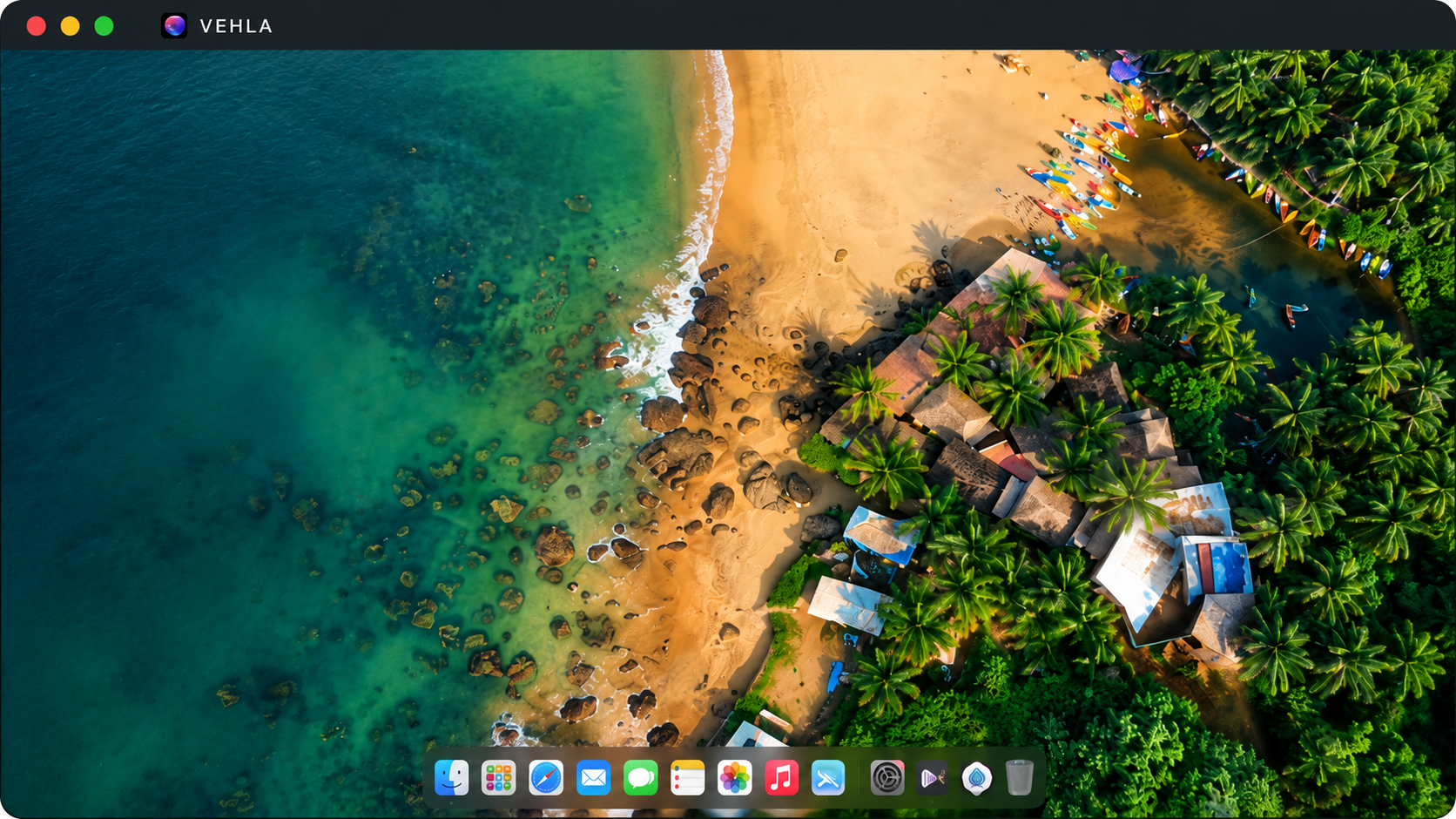
The best window manager for Mac is Vehla if you want window snapping, a launcher, clipboard history, and AI in one native app. Its SnapWheel puts Snap Left, Snap Right, and Fullscreen around your pointer, and the free plan includes basic window management.
macOS Sequoia 15 and later include built-in window tiling, but third-party apps add saved layouts, custom sizes, automatic tiling, and one-gesture snapping. This guide compares 7 Mac window managers (Vehla, Rectangle, Rectangle Pro, Raycast, Moom, AeroSpace, and Amethyst) by style, price, and learning curve so that you can choose in a few minutes. It also covers what macOS already does for free and where Vehla falls short.
What Is a Window Manager for Mac, and Does macOS Already Have One?
A window manager controls where your windows sit and how big they are. macOS has had basic versions for years, and third-party apps add more.
Built-in window tiling on macOS
Apple added window tiling in macOS Sequoia 15. You can reach it from the Window menu under Move & Resize, from the green button, with shortcuts such as Fn-Control-Left Arrow, or by dragging a window to an edge. Apple’s support guide lists every shortcut.
Stage Manager is a different tool. Apple describes it as a way to organize your apps and windows. It groups windows and does not tile them.
Apple’s built-in methods, including the green button, the Window menu, and keyboard shortcuts, are covered step by step in how to snap windows on a Mac.
Why add a window manager for your Mac
Apple’s built-in options ask you to remember an edge drag, a modifier key or a hover menu. A window manager gives you one consistent way to move windows. Vehla goes one step further and keeps that control next to your other daily tools.
Best Window Manager for Mac: 7 Apps at a Glance
|
App |
Style |
Price model |
Best for |
Learning curve |
|
Vehla |
Command center with SnapWheel |
Free tier; Pro $29.99 one-time, 2 Macs |
One app for windows, clipboard and AI |
Low |
|
Rectangle |
Snapping |
Free, open source |
Free snapping only |
Low |
|
Rectangle Pro |
Snapping + layouts |
10-day trial, then paid license |
Custom sizes and app layouts |
Medium |
|
Raycast |
Launcher with window commands |
Window management free; custom commands in Pro |
Existing Raycast users |
Low to medium |
|
Moom |
Snapping + layouts |
Moom 4: $15 one-time |
Saved layouts |
Medium |
|
AeroSpace |
Tiling (i3-inspired) |
Free, open source |
Developers and power users |
High |
|
Amethyst |
Automatic tiling |
Free |
xmonad-style tiling fans |
Medium to high |
Prices checked October 2026. Confirm them on each official page before you buy.
The 7 Mac Window Managers in Short
Here is each app’s style, price, and trade-off, so you can see which one fits how you work.
Vehla: Window Snapping Inside a Mac Command Center
Unlike dedicated window managers, Vehla treats window management as one part of a bigger toolkit. Its SnapWheel puts Snap Left, Snap Right, and Fullscreen around your pointer, right beside Ask AI, Summarize, Screenshot, Clipboard, and Shelf. The app also includes a launcher, clipboard manager, dictation, OCR, and on-device AI, so you don't need a separate utility for each job. Vehla Free includes basic window management, and Pro is $29.99 once for two Macs. The trade-off: it needs macOS 15 or later on Apple Silicon, and it snaps windows instead of tiling them automatically.
Rectangle: Free, Open-Source Snapping
Rectangle moves and resizes windows with keyboard shortcuts or by dragging a window to a screen edge. It covers halves, quarters, thirds, and more, so it handles most everyday layouts with no setup. It is free and open source, and it runs on macOS 10.15 and later. The trade-off: custom sizes, app layouts, and iCloud sync sit behind the paid Rectangle Pro.
Rectangle Pro: Layouts and Custom Sizes
Rectangle Pro is a separate paid app with a free 10-day trial. It adds custom sizes and positions, snap targets anywhere on the screen, saved app layouts, and iCloud sync for your settings. It can also apply a layout when you connect or disconnect a display. It suits people who like Rectangle but want more control, with a steeper learning curve.
Raycast: A Launcher With Window Commands
Raycast is a launcher first, with window management built in. Standard window commands such as halves and fullscreen are free. Custom window commands and multi-app layouts need a Raycast Pro subscription. It suits people who already use Raycast. If you are thinking of switching, Vehla is a Raycast alternative for Mac with a free tier and a one-time Pro price.
Moom: Saved Layouts and Custom Actions
Moom lets you save window layouts and chain actions into one command. Its pop-up palette appears when you hover over the green button, and customizable drop zones snap windows as you drag. Moom 4 costs $15 once and is sold directly by Many Tricks, not through the Mac App Store. It suits people who want saved layouts and don’t mind setting up their own actions.
AeroSpace: i3-Style Tiling for Power Users
AeroSpace is a free, open-source tiling window manager inspired by i3. It arranges windows in a tree layout and uses its own virtual workspaces instead of native macOS Spaces. You configure it with a TOML text file, and it has no settings GUI, so it is aimed at developers and advanced users. Expect a high learning curve in exchange for full keyboard control.
Amethyst: Automatic Tiling in the xmonad Style
Amethyst is a free tiling window manager modeled on xmonad. It arranges windows for you and lets you cycle through layouts with shortcuts. You adjust settings through a YAML file in your home folder. It suits people who want windows tiled automatically, but it takes time to learn the shortcuts and layouts.
How Vehla Handles Window Management
Vehla is a native macOS command center for Apple Silicon Macs that combines a launcher, clipboard manager, window manager, file Shelf, dictation, OCR, and on-device AI. Window management lives in SnapWheel, a radial menu around your pointer. Snap Left, Snap Right, and Fullscreen sit next to Ask AI, Summarize, Screenshot, Clipboard, and Shelf, so you can move a window and run your next action in one gesture.
Vehla is local-first, so local models run on your Mac, and cloud AI such as OpenAI, Anthropic, Gemini, DeepSeek, or OpenRouter runs only when you connect your own key. Beyond SnapWheel, Vehla can replace a pile of single-purpose utilities such as separate clipboard, dictation, and OCR apps. Kaila Consulting Inc. in Ottawa builds Vehla.
Vehla Pricing: Free vs. Pro
|
Vehla Free |
Vehla Pro |
|
|
Price |
$0 forever |
$29.99 once, for 2 Macs, with free updates for life |
|
Window management |
Basic window management |
Everything in Free, plus every advanced Vehla feature |
|
Clipboard |
50-item rolling history |
Expanded history |
|
AI |
50 successful sessions or actions per month, local models up to 2B parameters |
Larger models, Recall, Flow and MCP |
|
Trial |
No card needed |
7-day Premium trial, no card |
Pro also carries a 7-day refund window after purchase. Setup steps for each plan are in the Vehla documentation.
Frequently Asked Questions
How do I use native window snapping in macOS?
Drag a window to a screen edge or corner, hover the green button, or use Window > Move & Resize. Shortcuts such as Fn-Control-Left Arrow also work. You need macOS 15 or later.
Do I still need a window manager with the latest macOS?
Only if you want more than the built-in layouts. macOS Sequoia 15 and later tile windows into halves and quarters. Apps add extras such as saved layouts, one-gesture snapping, and AI actions.
Does Vehla have a free window manager?
Yes. Vehla Free includes basic window management, with no card and no time limit.
How much does Vehla cost?
Vehla Free costs nothing. Vehla Pro is $29.99 once for two Macs, with free updates for life and a 7-day trial that needs no card.
Does Vehla work on Intel Macs?
No. Vehla needs macOS 15 or later on an Apple Silicon Mac.
Does Vehla work without an internet connection?
Yes, for the core. Once a local model is downloaded and Local AI is selected, text AI actions, dictation, OCR, and native commands run on-device. Cloud providers, web search, licensing, and updates need a connection.
Which Mac Window Manager Should You Pick?
The best window manager for Mac is the one you actually use. Here is the short version:
-
Free snapping only: Rectangle.
-
Custom sizes and saved layouts: Rectangle Pro or Moom.
-
Already a Raycast user: stay with its built-in window commands.
-
Automatic tiling: AeroSpace for developers, Amethyst for xmonad fans.
-
Snapping, a launcher, clipboard history, and AI in one app: Vehla.
Vehla is our pick for most people because SnapWheel keeps Snap Left, Snap Right, and Fullscreen next to Ask AI, Summarize, and Screenshot. Vehla Free includes basic window management, and Pro is $29.99 once for two Macs. It needs macOS 15 or later on an Apple Silicon Mac.
Download Vehla Free and try SnapWheel for a week. No card is needed for the free plan or the 7-day Pro trial.