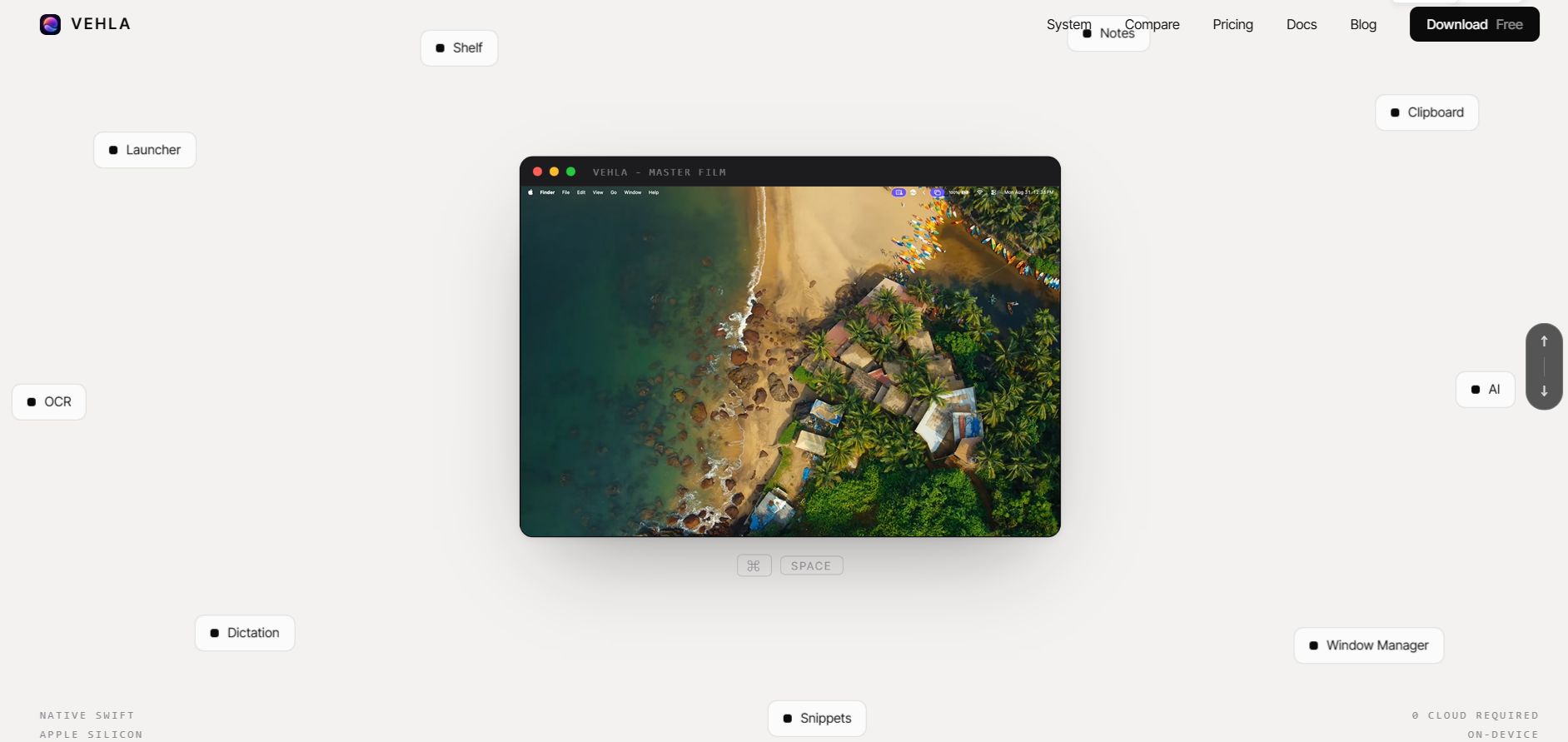
The best clipboard manager for Mac in 2026 is Vehla, a native app that combines clipboard history, a launcher, and a window manager, with a free plan and a one-time $29.99 Pro upgrade.
A clipboard manager saves everything you copy so you can search it and paste it later, and Vehla goes further by pairing that clipboard history with a launcher and a window manager in the same native app.
This guide compares seven Mac clipboard managers, plus the history built into macOS 26 Tahoe, on price, history length, privacy, and extras. Prices were checked in October 2026.
What Is a Clipboard Manager and Why Your Mac Needs One
A clipboard manager is a small background app that keeps a history of everything you copy, so you can paste older items whenever you need them.
Without one, your Mac remembers a single copied item at a time. Copy something new and the old item is gone. With a manager, you search for it by word, pick it, and paste. It saves more time than you would expect for text, links, images, and code snippets.
Does macOS Have a Built-In Clipboard History?
Yes, since macOS 26 Tahoe, Apple includes a basic clipboard history inside Spotlight.
-
How to open it: press Command-Space, then Command-4.
-
You turn it on first: macOS asks the first time you open the Clipboard view.
-
Retention: Spotlight keeps items for 8 hours by default. macOS 26.1 and later let you choose 30 minutes, 8 hours or 7 days.
-
No Universal Clipboard: copies that arrive from your iPhone or iPad are not saved in the history.
-
Screen shares: an IT support note reported that, on the initial Tahoe release, clipboard items showed unredacted in screen recordings. Clear your history before you share your screen.
That is enough for quick recall. It will not give you a long history or pinned items, which is where a dedicated app earns its place.
How We Ranked These Clipboard Managers for Mac
We judged every app on five things that matter in daily use.
-
Price and pricing model (free, one-time, or subscription)
-
How long your history lasts
-
Where your data lives
-
How fast you can search
-
Extras such as a launcher, window management, snippets, or sync
This is a research-based roundup built on each app's published features and pricing. It is not a lab benchmark. Prices change, so confirm them on each vendor's page before you buy.
Mac Clipboard Managers Compared
This table puts the seven apps and the built-in Tahoe history side by side, with Vehla first.
|
App |
Price (Oct 2026) |
Best for |
Launcher + window manager |
Cross-device sync |
|
Free; Pro $29.99 once for 2 Macs |
Clipboard, launcher and window manager in one app |
Yes |
None listed (local-first) |
|
|
Maccy |
Free (GitHub) or $9.99 (App Store) |
Simple, free and open source |
No |
No |
|
Raycast |
Free (3-month history); Pro from $8/month billed annually |
People who live in a launcher |
Yes |
No, history stays local |
|
Paste |
$3.99/month, $29.99/year or $89.99 lifetime |
Apple-device sync |
No |
Yes, via iCloud |
|
ClipBook |
From $9.99 one-time |
Simple local history |
No |
No |
|
Pastebot |
$39 direct (1 year of updates) or $2.99/month on the App Store |
Filters and automation |
No |
iCloud sync between Macs |
|
Clipy |
Free |
Free snippets |
No |
None listed |
|
macOS Tahoe built-in |
Free |
Quick, short-term recall |
No |
No |
The Best Clipboard Manager for Mac: 7 Apps Compared
Here is each app in ranking order, with what it does well and where it falls short.
1. Vehla: Best Clipboard Manager for Mac Overall
Vehla is a native Mac launcher, clipboard manager, and window manager with on-device AI, all behind one hotkey, built on the idea of one app instead of fourteen.
On the clipboard side, Vehla's Smart Clipboard shows items by type, such as text, code, URLs, images, emails and commands, so searching feels less like digging through a junk drawer. Image clips are analyzed locally, so Vehla can pull the text out of a copied screenshot, and your clipboard history can be part of its local search index.
Pricing is simple. Vehla Free includes a rolling 50-item clipboard history, the command palette and basic window management. Vehla Pro is $29.99 once, covers two Macs, includes free updates for life and expands the clipboard limits. You get a 7-day Pro trial with no card, and a refund within 7 days of purchase.
Best for: people who want a clipboard manager, launcher and window manager without a subscription.
Watch out for: the Free history is capped at 50 items, and extras such as Island, Shelf and SnapWheel are Pro features.
2. Maccy: Best Free Clipboard Manager for Mac
Maccy does one job: it keeps your copy history close and gets out of the way. It is open source under the MIT license, so you can download it free from GitHub or install it with Homebrew. The Mac App Store version costs $9.99 and supports the developer.
It is built for the keyboard. Press Shift-Command-C, type a few letters and hit Enter. Maccy stores data on your Mac and, per its App Store listing, does not log items copied by password managers.
Best for: people who want a free clipboard manager and nothing else.
Watch out for: it is minimal on purpose, with no sync and no launcher.
3. Raycast: Best If You Already Live in a Launcher
Raycast is a launcher with clipboard history built in. The free plan keeps three months of history. Pro costs $10 a month, or $8 a month billed annually, and removes that cap. Clipboard history stays on your Mac and is not synced.
If you want clipboard history inside a launcher but prefer a one-time price, Vehla is a Raycast alternative for Mac that covers the same ground, and the Vehla, Raycast and SuperCmd comparison shows where each app wins.
Best for: people who already use Raycast every day.
Watch out for: unlimited history needs a subscription.
4. Paste: Best for Syncing Across iPhone, iPad and Mac
Paste is the pick if you work across Apple devices. It syncs your history over iCloud to Mac, iPhone and iPad, and adds pinboards for text you reuse plus shared pinboards for teams. Its App Store page says your data lives on your devices and in your private iCloud.
The US App Store lists $3.99 monthly, $29.99 yearly or $89.99 for a lifetime plan, and the app includes a free trial.
Best for: anyone who copies on an iPhone and pastes on a Mac.
Watch out for: its lifetime plan is the most expensive way to own a clipboard manager on this list.
5. ClipBook: A Simple One-Time Purchase
ClipBook keeps a history of text, images, files, links and colors. Capterra says it stores everything locally with no cloud integration or tracking, and lists it as a one-time purchase starting at $9.99, with license tiers for one, two or five Macs.
Best for: a paid, simple, local-only history.
Watch out for: no cloud sync, by design.
6. Pastebot: Best for Filters and Automation
Pastebot 3 comes from Tapbots and is a ground-up rewrite with deeper automation and customization. Buying direct costs $39 with a year of updates, and each extra year of updates costs $19. The Mac App Store version is a subscription at $2.99 a month or $24.99 a year, with a 14-day trial.
Pastebot 3 requires macOS Tahoe (macOS 26) or later. It supports iCloud sync and Universal Clipboard, but there is no iPhone or iPad app.
Best for: power users who want to transform what they paste.
Watch out for: update-based pricing takes a minute to understand, and it needs macOS 26.
7. Clipy: Best Free Option for Snippets
Clipy is a free, MIT-licensed clipboard extension app. If you keep pasting the same items, save them as snippets and call them up with a hotkey. Its GitHub page lists macOS 13 Ventura or later.
Best for: free snippets and a classic menu-bar workflow.
Watch out for: it looks and feels older than the newer apps.
Other Options Worth a Look
A few more apps come up when people search for a Mac clipboard manager.
CopyClip 2 is $7.99 on the Mac App Store and keeps a history of the text you copy. Alfred includes clipboard history in its paid Powerpack, and the Vehla vs Alfred matchup is mostly deep workflow automation against an all-in-one command center.
Free Clipboard Manager for Mac: Which One Should You Pick?
You have several good free options, and none cost anything to try.
-
Vehla Free if you want a clipboard, launcher, and window manager together, with a 50-item history.
-
Tahoe's built-in history if you only need the last few hours.
-
Maccy for a fast, keyboard-first free clipboard manager.
-
Clipy if you want free snippets.
-
Raycast Free if you already use Raycast and want three months of history.
Start free; if you hit a limit, upgrade.
Are Clipboard Managers Safe? Privacy and Passwords
Any clipboard history records what you copy by design, which can include two-factor codes and private messages.
Three habits keep you safe:
-
Pick a retention window you can live with.
-
Clear your history before you share your screen.
-
Exclude sensitive apps if your manager offers it.
A local-first manager keeps your history on your own machine, and it helps to know what actually stays on your Mac before you pick one.
How to Boost Your Productivity With a Clipboard Manager
You do not need a fancy setup. These four habits cover most of the benefit.
-
Pin the text you retype: Email sign-offs, addresses, and links.
-
Search, don't scroll: Type two or three letters instead of hunting.
-
Clean up formatting: Paste plain text when formatting gets messy.
-
Queue your copies: Collect several items and paste them in order.
The same keyboard-first habit works for launching apps, as a week of Option Space shows. Once your clipboard is sorted, the next win is snapping windows on a Mac.
Key Takeaways
Here is the short version if you are skimming.
-
Vehla is the best clipboard manager for Mac if you also want a launcher and window manager, with a one-time Pro price.
-
macOS 26 Tahoe has a basic clipboard history in Spotlight, and the 30-minute, 8-hour, and 7-day options need macOS 26.1 or later.
-
Maccy is the best free pick if you want something simple and fast.
-
Paste is the strongest choice for syncing across Mac, iPhone, and iPad.
-
Prices and requirements change, so check each vendor's page before you buy.
Frequently Asked Questions
Does Vehla's clipboard manager run on Intel Macs or older versions of macOS?
No. Vehla requires macOS 15.0 or later on Apple Silicon, and it does not run on Intel Macs or earlier macOS versions.
How do I open and search Vehla's clipboard history?
Open the Vehla palette with Option Space (the default), then type clip,: clip, or clipboard to open Smart Clipboard. Use the tabs for text, URLs, images, pinned clips, and all history, and type to search.
Can I pin, tag or paste several clips at once in Vehla?
Yes. You can pin, rename, tag, clean formatting, and extract links from a clip. You can also select multiple clips, join or reorder them, save named stacks, and paste a whole group into the front app.
Does Vehla keep passwords out of my clipboard history?
Vehla includes private mode, sensitive-content controls, ignored apps, and per-app retention rules. Passwords copied through its 1Password and Proton Pass integrations stay outside clipboard history and are cleared from the clipboard afterwards. You can also turn clipboard management off in Settings to stop recording new clips while keeping your existing history.
What happens when the Vehla Pro trial ends?
Vehla simply continues on the Free plan if you have no active trial or license. No card is needed to start the trial, so there is nothing to cancel. If you buy Pro, paste your license email and key into Settings, Privacy & Pro, then License.
Can I use Command-Space for Vehla instead of Spotlight?
Yes. Option Space is the default, but you can record another shortcut, including Command-based combinations such as Command-Shift-Space, and Vehla can help you reclaim Command-Space from Spotlight.
Which Is the Best Clipboard Manager for Mac? Our Verdict
Vehla is the best clipboard manager for Mac for most people, because it combines searchable clipboard history, a launcher, and a window manager in one native app for a single payment. Choose Maccy if you only want free and simple, and Paste if you copy across iPhone, iPad, and Mac.
Ready to stop losing what you copy? Download Vehla Free and test its clipboard in a real workday. If you outgrow the 50-item history, upgrade to Pro once for $29.99 and keep every update.