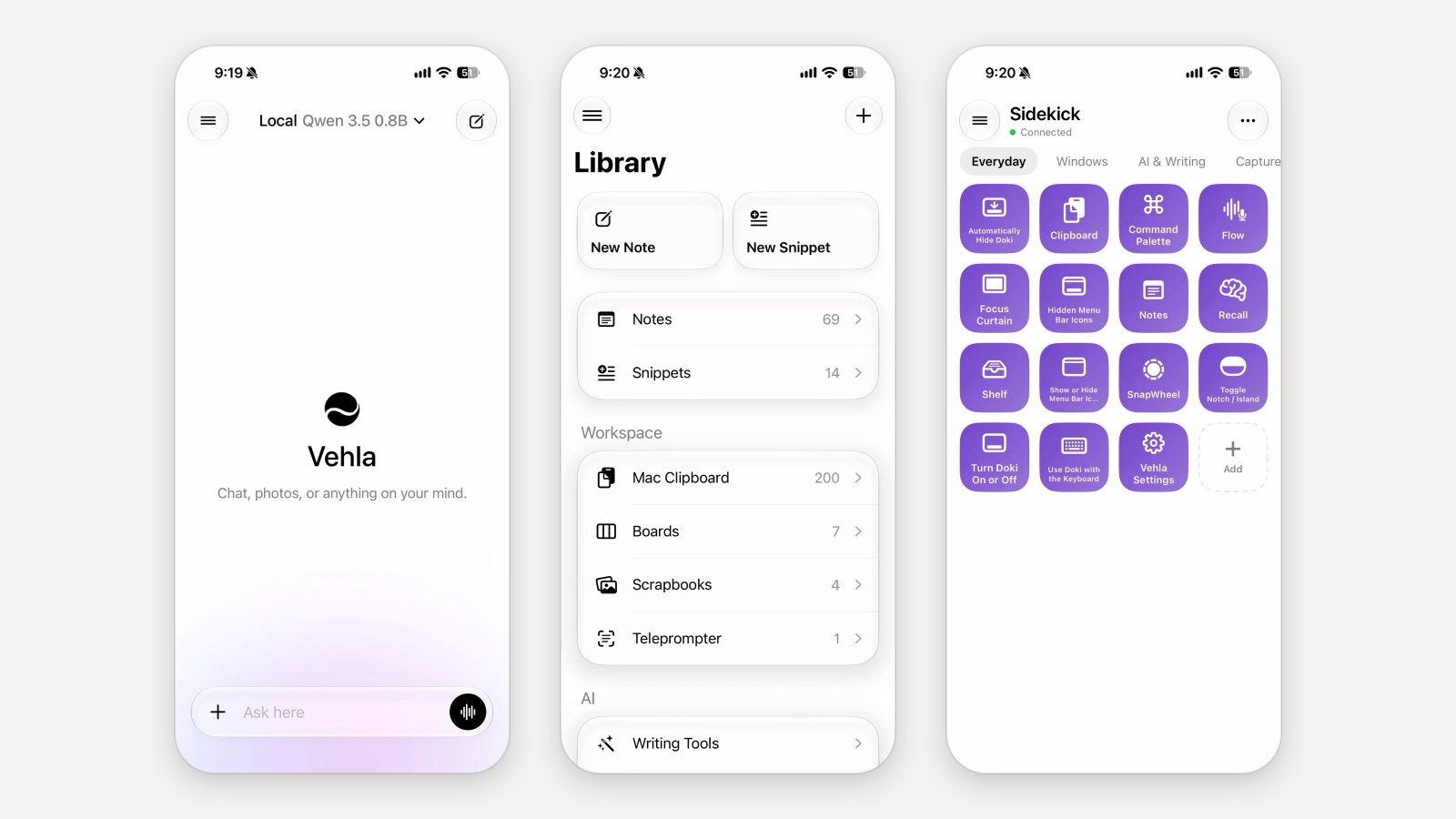
There is a new Vehla for iPhone build on TestFlight, and the headline is one line: Gemma 4 26B runs on the phone. Fully offline, no server, no account. On the iPhone it was built on it writes at about 6 to 10 tokens a second, which is fast enough to read along as the answer appears. Install or update from testflight.apple.com/join/G8peDyNY.
This page explains how a 26-billion-parameter model fits on a phone, what else changed in this build, and what would help most from testers. If you are new to the app, the first TestFlight post covers the basics: on-device chat, your Mac's notes and clipboard through iCloud, and Sidekick.
How a 26B model fits on a phone
Gemma 4 26B-A4B is a mixture-of-experts model. Its 26 billion parameters are split into many small "experts", and for each token only a few of them are used, about 4 billion parameters' worth. The rest sit idle for that token. A conventional runtime still loads all 26 billion into memory, which is why models this size have been a desktop thing.
Vehla runs Gemma 26B on TurboFieldfare, an open-source engine by drumih (Apache 2.0) built for exactly this case; Vehla bundles the runtime and installer from that project. It does two things differently:
- It keeps only the shared core in memory. The part of the model every token uses, plus the conversation cache, stays resident. That is about 2 GB in use while the model runs.
- It reads experts from storage as needed. For each token it fetches the experts that token routes to from the model file on disk, and keeps the ones used most often in a small cache so repeat reads are free.
So you do not need a 32 GB phone to run a 26B model. You do need about 14 GB of free storage for the download, which Vehla repacks into a single file the engine can read in pieces. Download it from Models › Gemma 4 26B; it continues in the background and resumes if it stops.
Two things follow from reading experts off storage. Long prompts take a while before the first word appears, because processing the prompt touches most experts in every layer. And this first version is text only; photos go to the other vision models for now.
More big models the same way
The same stream-from-storage approach now runs other mixture-of-experts models through Vehla's MLX engine: Qwen 3.6 35B-A3B, Qwen 3 30B-A3B, Qwen 3 Coder 30B-A3B, GLM 4.7 Flash, Ling mini 2.0 and Nemotron 3 Nano. Each keeps a cache of recently used experts sized to the phone's memory.
Settings › AI › Faster Big Models trades memory for speed: it gives the expert cache more room and lets the engine skip a wait per layer, so tokens come faster on phones with memory to spare. It is off by default and turning it on reloads the model.
Bonsai 1-bit models
PrismML's Bonsai models store each weight in about one bit, so they are tiny for what they can do. Vehla lists Bonsai 1.7B, 4B and 8B (text) and Bonsai 27B, a vision-capable model for 12 GB iPhones. The small ones answer straight away without a thinking step; the 27B can think like Qwen 3.5. They are worth trying if you want a capable model without a long download.
Faster downloads
Model downloads now fetch big files in 32 MB ranges over six connections at once, keep every finished piece on disk so a stopped download resumes where it was, and queue up when you ask for more than one. A dropped connection is retried quietly instead of being reported as failed. Downloads keep going when you leave the app, and Settings shows their progress.
Thinking and reasoning
Models that can reason (Gemma 4, Qwen 3.5 and 3.6, Bonsai 27B) have a Thinking switch in the composer's + menu. Their reasoning streams into a box above the answer, open while they think and folded once the answer starts, and only the answer is kept as history or read aloud. For cloud models (OpenAI, Claude, Gemini, DeepSeek) the same place offers reasoning levels, and Models lets you set a default per provider.
Web search
Turn on Search the web in the + menu and answers are grounded in live results. OpenAI, Claude and Gemini use their own search; DeepSeek uses DeepSeek's; on-device models and Apple Intelligence use Brave Search with a key you add under Models › Web Search. The chat shows what was searched and the sources, which are saved with the message.
Files in chats
The + menu's Choose Files attaches PDFs, code and text files (up to eight attachments with photos). The text goes to the model the same way the Mac sends it, and the chat syncs to the Mac's Ask AI history with the files attached. Word and Pages documents are not readable yet.
What would help from testers
- Your iPhone model, how much memory it has, and the speed you get with Gemma 26B.
- Whether the phone gets hot, or iOS closes the app.
- Anything that feels slow or broken. Settings › About › Send Logs… packs a summary of the device and the app's log into a file you can AirDrop or email; it never includes your chats.
Gemma 26B has mainly been tested on one device, so results from other iPhones are the point of this build. Reports go through TestFlight's Send Beta Feedback or the Vehla Discord.
Frequently asked questions
Does Gemma 4 26B really run offline on an iPhone?
Yes. Once downloaded, it runs on the phone with no network, no server and no account. Vehla has no inference server at all.
How much storage and memory does it need?
About 14 GB of free storage for the download. While running it keeps about 2 GB in memory: the shared core, the conversation cache and a cache of recently used experts.
How fast is it?
About 6 to 10 tokens a second on the iPhone it was built on. Long prompts take longer before the first word appears than they do on small models. Your numbers on other iPhones are exactly what the beta is for.
Can it look at photos?
Not yet. Gemma 26B is text only in this build. Qwen3-VL 2B, Gemma 4 E2B and E4B Vision and Bonsai 27B read photos.
Is this free?
Yes. Vehla for iPhone is free, the models are open weights you download yourself, and nothing is billed. Cloud models and Brave Search use your own keys.
Does it still sync with the Mac?
Yes. Chats, notes, snippets, boards, scrapbooks, Teleprompter scripts and the Mac clipboard sync through iCloud as before, with iCloud Sync on in Vehla for Mac.
Get the build
Install or update from testflight.apple.com/join/G8peDyNY, open Models, download Gemma 4 26B, and tell us what your phone does with it.